![Epic River-Kinective-white.png]](https://knowledge.epicriver.com/hs-fs/hubfs/Epic%20River-Kinective-white.png?height=40&name=Epic%20River-Kinective-white.png)
In September 2021, Finastra released into their Total Lending cloud environment a replacement version for the on-premise OpenPath ProSign Online Gateway. When you are ready to switch to the new cloud-based gateway, you will need to enter an Access Token for ProSign Online.
Follow these steps to retrieve your Access Token
1.) Login to https://configuration.total-lending.com and click on the "Vendor Configuration" screen, you will be prompted to enter an "Access Token".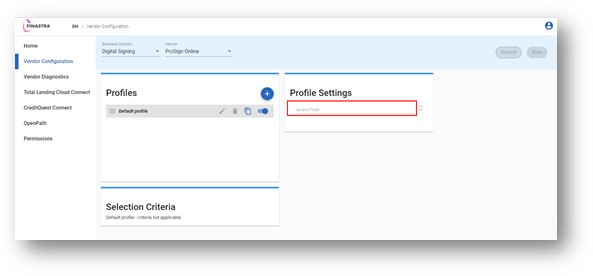
2.) To retrieve your Access Token, complete the form below.
3.) The Access Token will be sent to you via Secured Email.
4.) Copy the Access Token from the Secured Email into the site.
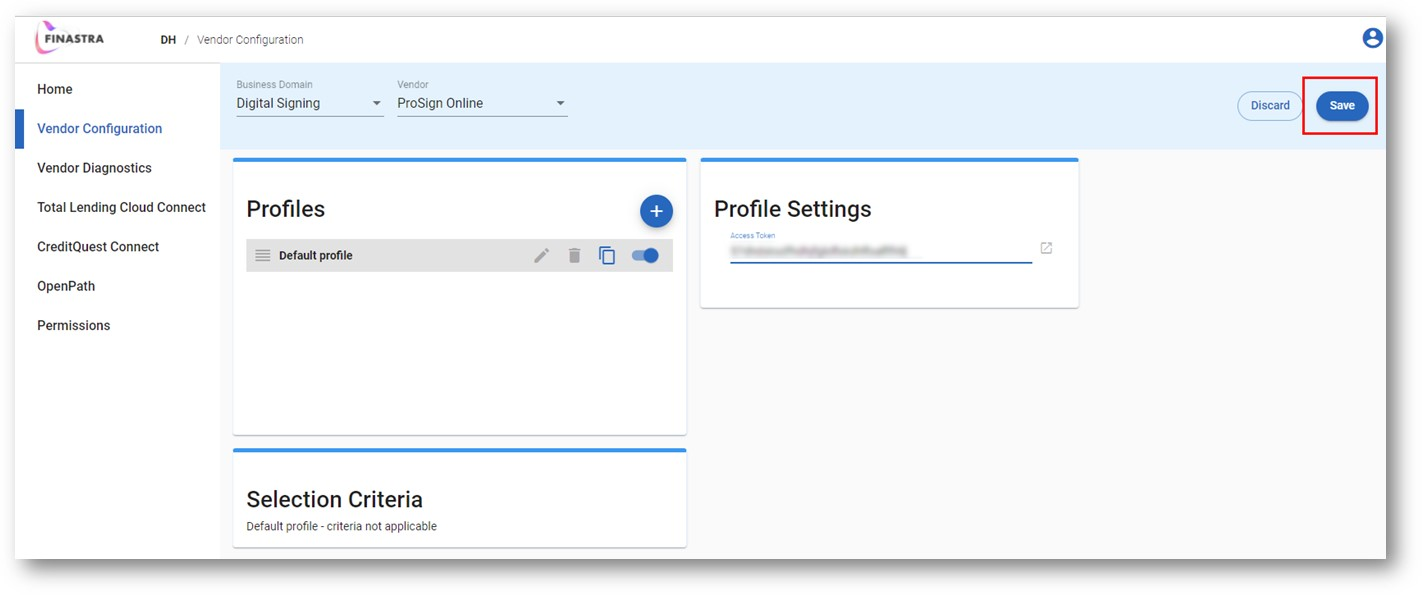
5.) Click Save.
If you are brand new to implement ProSign Online, please view this guide: "Can I implement ProSign Online on my own?"