![Epic River-Kinective-white.png]](https://knowledge.epicriver.com/hs-fs/hubfs/Epic%20River-Kinective-white.png?height=40&name=Epic%20River-Kinective-white.png)
After the notary has created their journal entries during the Remote Online Notary process, they are able to access and export these journals using the following steps.
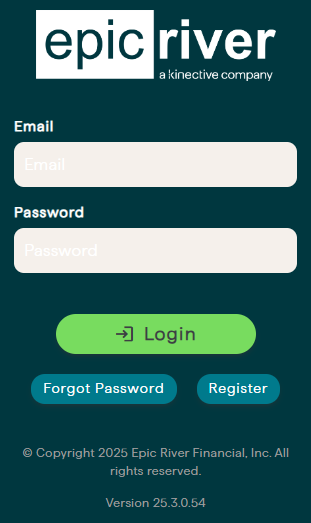
- Login to the notary side of ProSign Online.
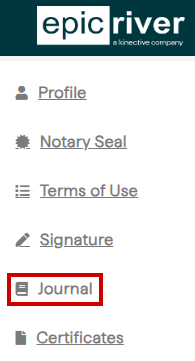
- Once logged in, to the menu on the left, click on "Journal".
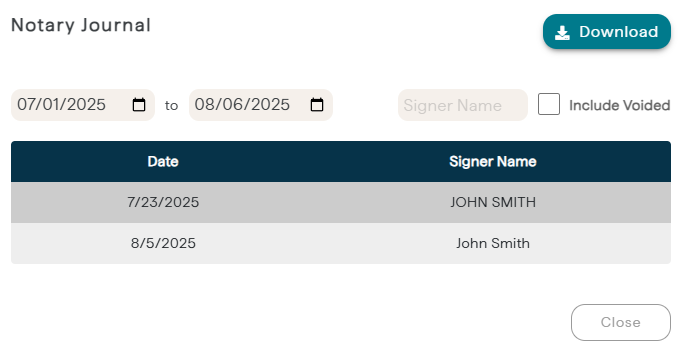
- In this section, the entries can be viewed and exported into an excel file.